

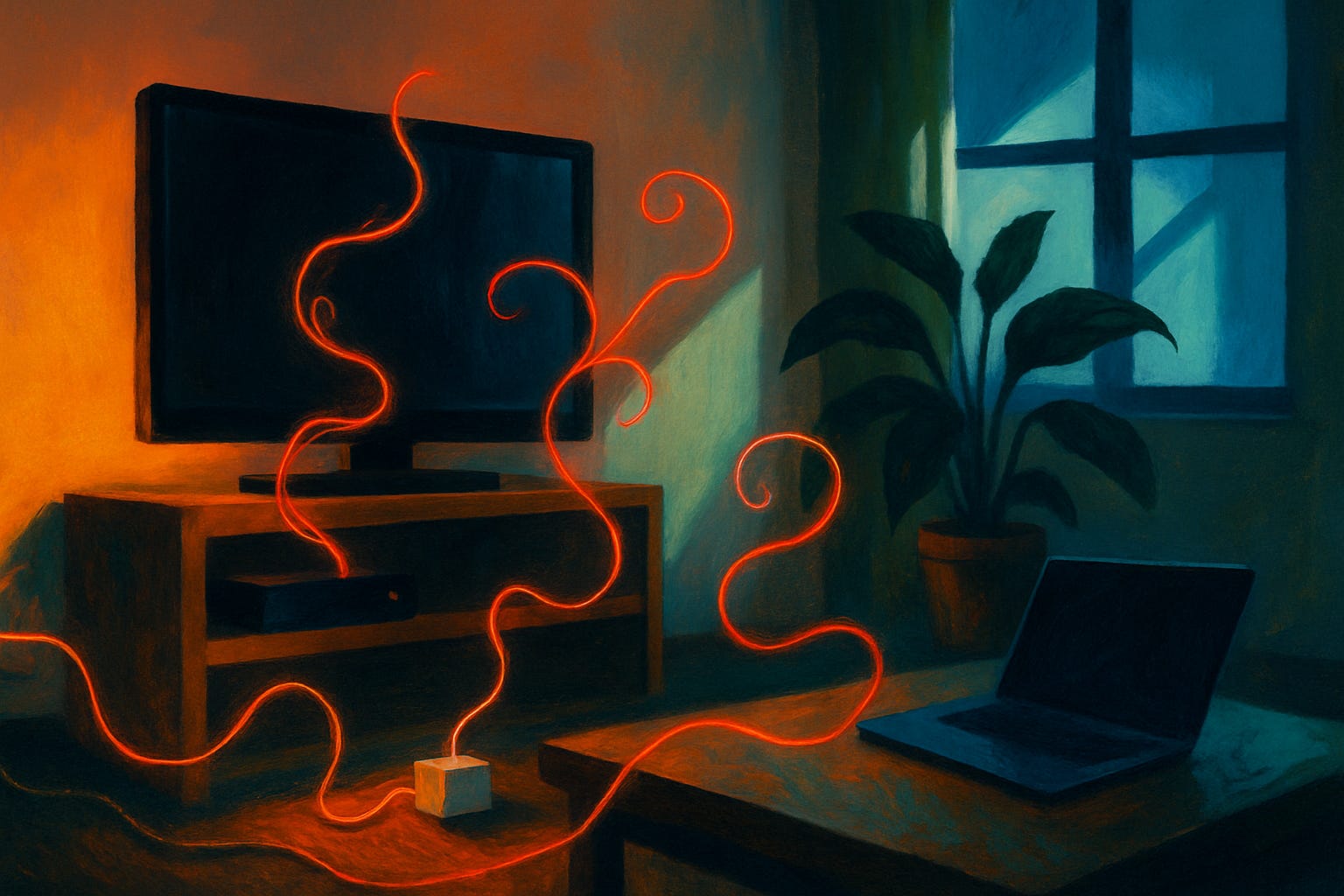
Flip off your TV, close your laptop, and step back for a second. Is your house actually pulling less power than it was five minutes ago? Probably not much less. A surprising number of the gadgets scattered around your home never really shut off. They just slip into a low-power holding pattern, waiting to spring back to life the moment you touch a remote or tap an app. Energy nerds call this standby power, or phantom load. Everyone else just calls them energy vampires, and once you start noticing them, you can’t stop.
I got curious about this after realizing my own cable box runs warm at 2 a.m., hours after anyone in the house last watched anything. That’s not a glitch. It’s a design choice, and it’s quietly costing money every single day, whether you notice it or not.
What actually counts as an energy vampire
An energy vampire is any device that keeps drawing electricity after you’ve “turned it off,” because it never actually powers down all the way. Modern electronics mostly use soft power buttons instead of the mechanical switches your grandparents’ toaster had. Press the button and the device doesn’t cut power, it just drops into a standby circuit that keeps listening for your next command. 🔌
The U.S. Department of Energy confirms that a long list of everyday devices fall into this trap, including DVD players, TVs, stereos, computers, and kitchen appliances. This isn’t some new problem. It’s been recognized for decades: by 2010, most developed countries had passed rules capping standby power at one watt per device, tightening that to half a watt by 2013, according to Wikipedia’s overview of standby power. ⚡ The catch is that those caps only cover newer devices, and plenty of older gear in your home predates the rules entirely. 🔋
A few telltale signs that something’s a vampire:
It has a clock, indicator light, or display that stays lit when “off”
It turns on instantly with a remote, app, or voice command
It feels slightly warm to the touch hours after last use
It updates itself overnight without you doing anything
It connects to Wi-Fi or Bluetooth even while idle
The worst offenders lurking in your home right now
Not every vampire bites equally hard. 🧛 Entertainment centers tend to be the biggest culprits, mostly because they’re built for instant gratification. Nobody wants to wait ninety seconds for a cable box to boot up, so manufacturers keep it half-awake around the clock instead.
Here’s where most of the damage happens:
TVs and cable or satellite boxes: smart TVs stay ready to catch a signal, and set-top boxes often record and update overnight
Game consoles: left in standby for quick-start or automatic updates, they can pull power nonstop
Chargers of every kind: phone, laptop, and toothbrush chargers draw a trickle even with nothing plugged into them
Kitchen appliances: coffee makers, microwaves, and toaster ovens with digital clocks or timers never fully rest
Smart speakers and hubs: always listening for a wake word means always drawing power
I’ll be honest, some of these surprised me. I always assumed my unplugged-from-the-device phone charger was harmless just sitting in the wall by itself. It’s not. As long as it’s plugged into the outlet, it’s pulling a little juice whether your phone is attached or not. 💡 That warm little brick on your nightstand? Definitely a vampire. 👻
What phantom loads actually cost you each year
Here’s where the numbers get interesting, and a little annoying. 📉 The Department of Energy estimates standby power accounts for 5% to 10% of the average household’s total electricity use. Columbia University’s Climate School puts a dollar figure on that: phantom load can add an extra $100 to $200 a year to a typical electric bill, and it estimates idle devices are responsible for roughly 1% of global carbon emissions. That’s not nothing. 🌍
Other estimates run even higher. EnergySage puts the potential hit at up to $183 a year for a single household, depending on how many always-on gadgets you’re running. Multiply that across millions of homes and you start to see why utilities keep sending out reminders about it. 💰
A quick gut check on where this money actually goes:
Entertainment systems (TV, box, console, soundbar) tend to be the single biggest slice
Kitchen electronics with clocks or timers add up quietly in the background
Home office setups left on sleep mode instead of full shutdown burn more than people expect
Chargers left plugged in “just in case” are small individually, but numerous
Smart home devices, ironically, are some of the newest and most power-hungry idle draws
None of this is disaster-level money for any single device. It’s the accumulation that stings, twenty or thirty small drains running all day, every day, all year.
How to slay your home’s energy vampires
The fix doesn’t require living like it’s 1950. A handful of targeted habits do most of the heavy lifting. 🔋
Use smart power strips on entertainment centers and home offices; they cut power to peripherals automatically once the main device, like a TV, powers down
Unplug chargers when nothing’s attached, not just when you think you might use them later
Switch off quick-start or instant-on features on TVs and consoles when you won’t need them for a stretch
Do a real energy audit with a cheap plug-in watt meter to see which devices in your house are the worst offenders
Look for the ENERGY STAR label when replacing anything electronic, since certified products sip far less power in standby
If you want the deeper mechanics of this, we’ve broken down six smart home tricks that automatically lower your carbon footprint without you having to remember to do anything. 🚀 And if gadgets are more your speed than habits, seven simple gadgets that can cut your electricity bill in half walks through exactly what to buy and where to start. 💡
So, quick exercise: walk through your living room tonight and count the blinking lights. How many did you find? I counted seven in mine, and two of them belonged to devices I hadn’t touched in a week.
Is chasing every watt actually worth it
I want to be fair here. No single gadget or habit change is going to cut your bill in half by itself, and anyone promising that is oversimplifying. Phantom load is real, but it’s one piece of a bigger picture that includes heating, cooling, and water heating, which usually cost far more than every vampire device combined. 📉
That said, phantom load has one advantage over those bigger expenses: it’s free to fix. Unplugging a charger costs nothing. A smart power strip typically pays for itself within a year in most homes. Compare that to the cost of new insulation or a heat pump, and vampire hunting starts to look like the easiest win available. 💰 For a broader menu of low-cost fixes, seven easy ways to cut your electricity bill after the latest price hike is a good next stop. ⚡
Where this actually pays off, roughly in order:
Entertainment centers, since they run the most hours and hide the most standby features
Kitchen clocks and timers, simply because there are so many of them
Idle chargers, which cost little individually but add up across a household
Smart home hubs and speakers, especially older models without power-saving modes
Anything with a quick-start or instant-on setting you never actually use
Where I land: chase that big handful of offenders and don’t lose sleep over the rest. The savings are real, they’re just not dramatic on their own. Stack them with everything else you’re already doing and they start to matter. 🌍
This weekend, grab a cheap watt meter, plug in the device you suspect is the worst offender in your house, and see what the number actually says. What do you think it’ll be?