

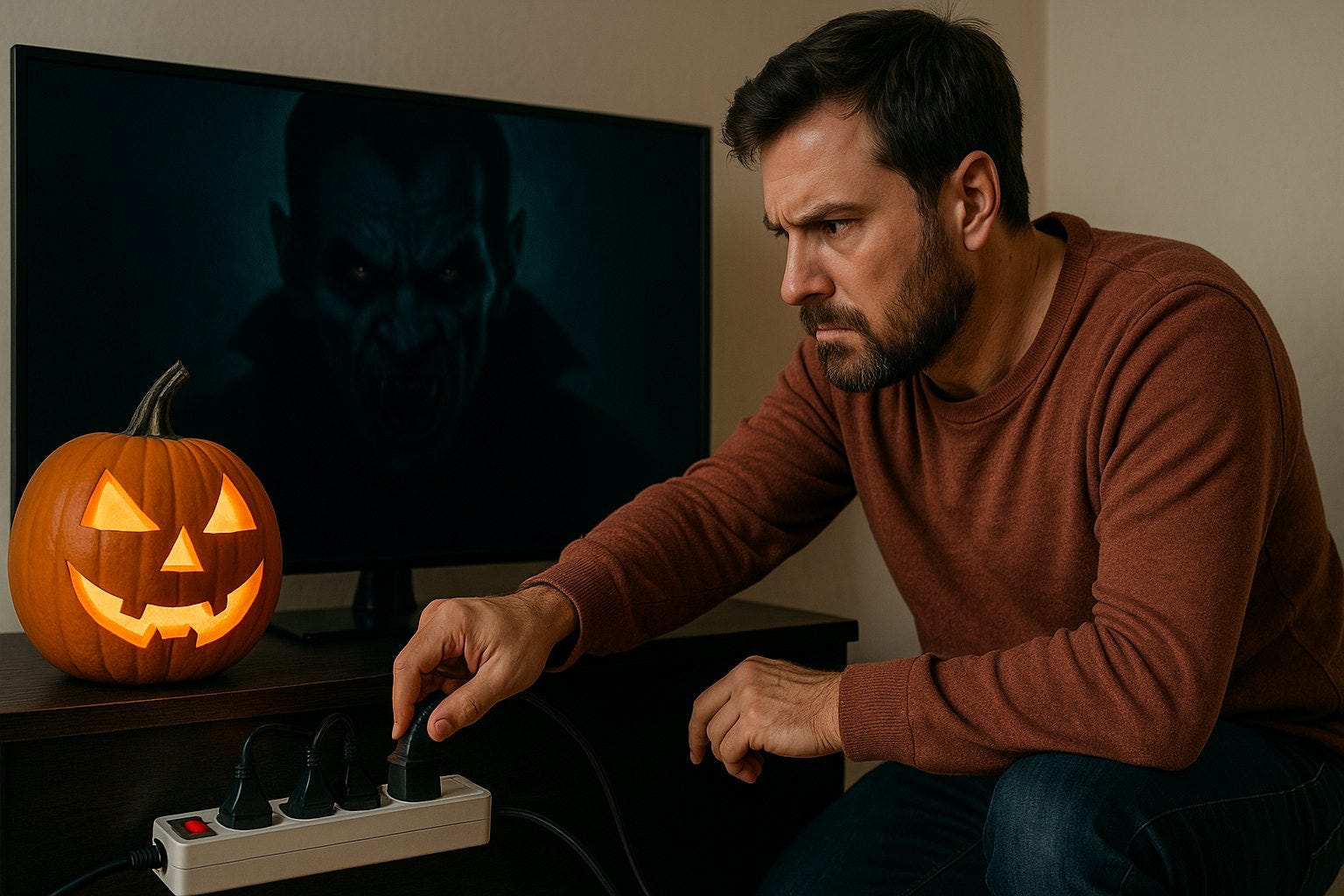
You think you’ve turned everything off. The lights are dimmed, the TV’s muted, you even flipped the switch on the coffee machine. But your electricity meter keeps creeping up. Why? Because of the energy vampires. 🧛♀️ Those low-key devices quietly feeding off your power while you sleep, work, travel — you name it.
In this review, I dive into nine of the sneakiest culprits inside homes today. I’ll show you how much they might be costing you, how they hide in plain sight, and what you can do to banish them for good. It’s time to reclaim your home (and your wallet) from silent power drains.
Why “vampire power” matters
We talk about heating, cooling, lights — but often forget the tiny draws that still add up. The phenomenon is well documented: what’s called “standby power” or “phantom load” refers to electricity consumed by appliances when they appear “off” but are actually still powered.
Recent reporting estimates this hidden drain might account for 5 % to 10 % of a household’s energy use. Even with more efficient devices today, it still adds up. Simple changes = big cumulative savings.
Regulatory bodies are on the case. For instance, the European Commission rolled out new “ecodesign” limits for appliances’ standby modes from May 2025. That means manufacturers must do better — but you still play the starring role in unplugging the waste.
1. Smart TVs & streaming boxes
Your smart TV may be off — but it isn’t really off. It’s waiting for you, watching you, ready for your command. That standby mode often draws tens of watts. Set-top boxes and streaming hubs are equally guilty: blinking lights, remote listening, network standby.
What you can do: Use a power strip with a switch (so you kill power totally) or simply unplug when not in use. Disable “network wake” features in settings.
2. Gaming consoles & media gear
Modern consoles don’t just sit idle — they update, sync, connect, stay “available”. As one UK review put it: switching off can save you “£23.82 per year” on a game console’s standby alone.
Action step: When you finish a session, use the console’s “full off” setting and unplug the HDMI/USB hubs or fans if you can’t power-strip them.
3. Chargers (phones, laptops, tablets)
Your charger is plugged in, your phone is done charging — yet the charger still draws. Tiny watts, but many chargers = many watts. One article says the “no-load mode” cost is small but not negligible.
Tip: Unplug chargers when done. Consider a smart charger that cuts off automatically or use an outlet with a switch.
4. Routers, modems & network gear
These run 24/7 — we expect them to. But some of their features (extra lights, mesh “satellite” nodes, always-online features) draw constant power. One UK blog lists modems as phantom load culprits.
What to try: Place these on a dedicated power strip and turn off non-critical nodes when asleep or away. Check firmware settings for “eco” or low-power modes.
5. Kitchen appliances with clocks or standby lights
Microwaves with digital clocks, coffee makers with “keep warm”, even fridges with USB or WiFi features: these all pull some electricity when idle. A 2024 breakdown showed that many kitchen‐appliances in standby mode still cost annually.
Fix: Unplug or switch off devices you won’t use for a while. Consider smarter models with true “off” states.
6. Smart speakers / voice assistants / IoT gadgets
Those little assistants you yell at? They’re listening… and waiting. Even when you think they’re inactive, they might draw 3–5 W or more in standby.
Move: Restrict them to essential rooms, turn off when not needed, or use schedules via the device settings.
7. Printers, cordless phones, battery‐backed UPS units
They may seem innocuous, but each one draws in idle mode. One list highlighted printers and UPS systems as forgotten phantom drains.
Recommendation: If you rarely use a printer, unplug it. Same with cordless phone base stations or rarely used backup units.
8. Under-floor heating / towel rails / space heaters
These are big hitters: systems that keep components warm or in “ready” mode, even when not actively heating. Some reports estimate old heaters contribute very large phantom loads.
Tip: Use programmable thermostats, switch off zones when away, insulate well so heating systems don’t need to stay “on standby”.
9. Holiday lights, outdoor lighting, extra fridge/freezer units
Out‐of‐sight appliances still suck power. Extra fridge in the garage rarely used? Still running. Outdoor lights with motion sensors always ready? Still consuming. The “forgotten” category is one of the biggest costs.
Action: Inventory your appliances. Unplug or power off units you only use seasonally. Put outdoor lights on timers or motion sensors instead of full-time.
Also read: 7 Easy Ways to Shrink Your Energy Bill Without Sacrificing Comfort
Final words & call to action
Real talk: slaying these energy vampires won’t turn your bill to zero. But the cumulative effect matters. Cutting 5–10 % off your energy use is real savings. And by unplugging the silent drips, you also drift toward greener living.
👉 Your next move: Walk one room, jot down devices plugged in but not active. Then pick one power strip or outlet and turn off/unplug it tonight. Do that for a week. Feel empowered.
Have you spotted any odd‐looking “always-on” devices in your home yet? I’d love to hear about the weird ones you find — and which one you’ll kill first. 🔌